


Manage Your Showroom’s Contacts and Managers with AUTO.AE Business
•800 مشاهدة
On AUTO.AE, it’s not just about listing cars — it’s about organizing effective communication with your customers. The Contacts section in your AUTO.AE Business dashboard allows you to manage all your showroom contacts, assign managers to listings, and keep track of their availability.
👥 Managers List — All Contacts in One Place
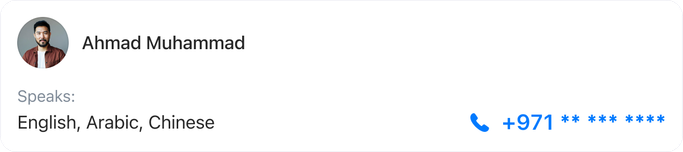
The Contacts section displays all the managers in your showroom who handle customer inquiries for your listings. For each manager, you can see:
- Name
- Email and phone number
- Languages spoken
- Buttons to edit or delete the manager
Example managers:
- Christopher John (English)
- Christina (English, Chinese)
- Yazan (English, Arabic)
- Andrea, Lana, and others
This allows you to assign responsible staff for client communications and quickly find the right person for each inquiry.
⏰ Managers’ Working Hours
For each manager, you can view their working hours by day of the week:
- Standard hours are displayed
- Option to mark 24-hour availability or day off
This helps you know exactly when managers are available to communicate with clients and plan team workload efficiently.
⚙ Contact Administration Features
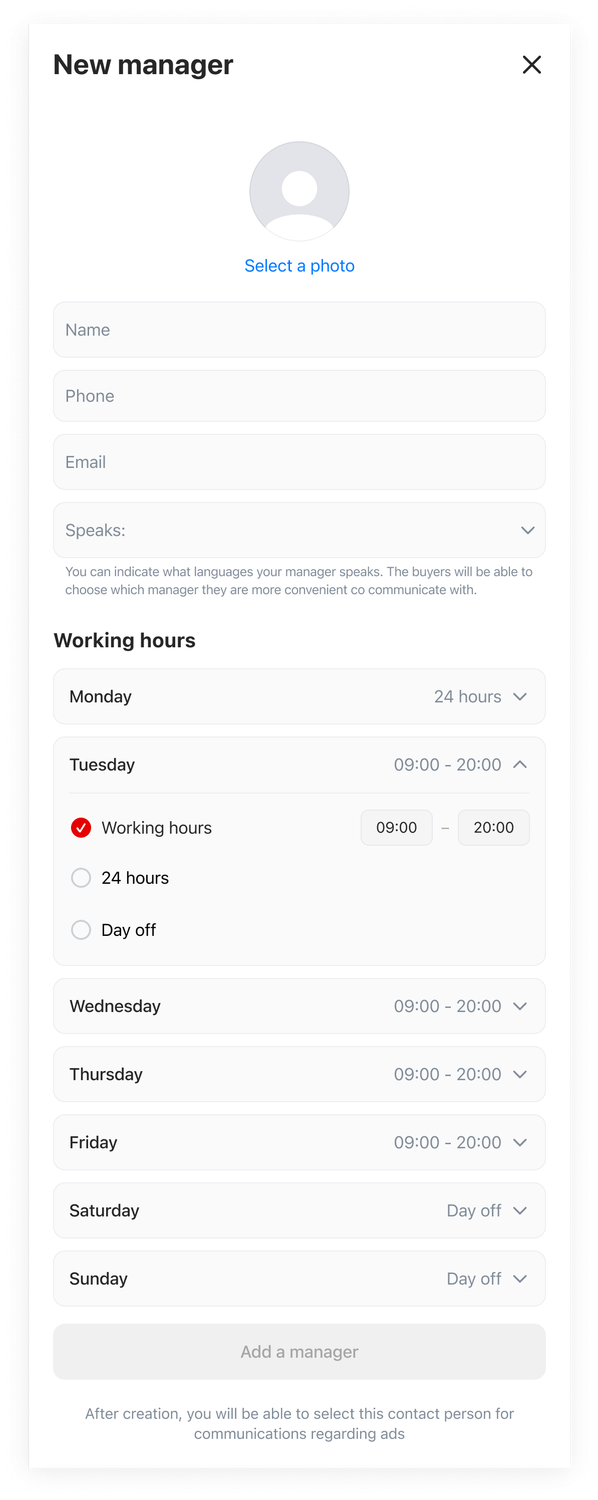
The Contacts section makes it easy to add and manage managers:
- Add a new manager
- Upload avatar for visual identification
- Specify Email and phone number
- Set languages the manager speaks with clients
- Configure working hours for each day of the week
These features help you structure your team, streamline communication, and speed up response times to customer inquiries.
✅ Why Showrooms Should Use the Contacts Section
- All managers in one place — easy to manage your team’s contacts
- Assign responsibility — every client inquiry is handled by a specific manager
- Track availability — see who is available to respond
- Improve customer service — clients get faster responses, building trust
- Convenient administration— quickly add new staff, update contacts, and manage working hours
AUTO.AE — Your Tool for Effective Communication
The Contacts section turns managing your team into a simple and transparent process.
With Contacts, you can:
✔ Assign managers responsible for listings
✔ View their contact info and languages spoken
✔ Track availability and working hours
✔ Improve response speed and customer satisfaction
With this tool, your managers are always reachable, and your customers receive fast, professional responses.


